
In-clinic follow-ups
The device check takes minutes. Moving the data takes the rest.
After an in-clinic interrogation, the data still has to reach the patient record. In many clinics that’s a relay: a USB drive, a printout, a scan, then vitals typed in by hand.
Time goes to the hand-off.
USB drives that won’t read, reports printed and rescanned, vitals typed in twice. None of it is patient care.
Reports go missing between rooms.
Every manual transfer is a place where a report can be lost, or filed against the wrong patient history.
Slow data means slow reports.
The in-clinic report can’t be written until the data arrives, and reimbursement waits on the report.
Every in-clinic check ends with a hand-off. InLink takes your team out of it.
Inside the workflow
One in-clinic check, with and without InLink.
The interrogation stays the same. Everything your team used to do after it is handled for them.
- PDF and raw data together. One transmission carries the manufacturer PDF and the raw data from the check.
- Matched to the patient. Processed data is assigned to the right patient, so nobody has to search and attach.
- Nothing typed twice. Raw data populates the in-clinic report instead of being re-entered.
- The source stays attached. The manufacturer PDF is available at the end of each patient report.
Illustrative workflow. Manual steps vary by clinic.
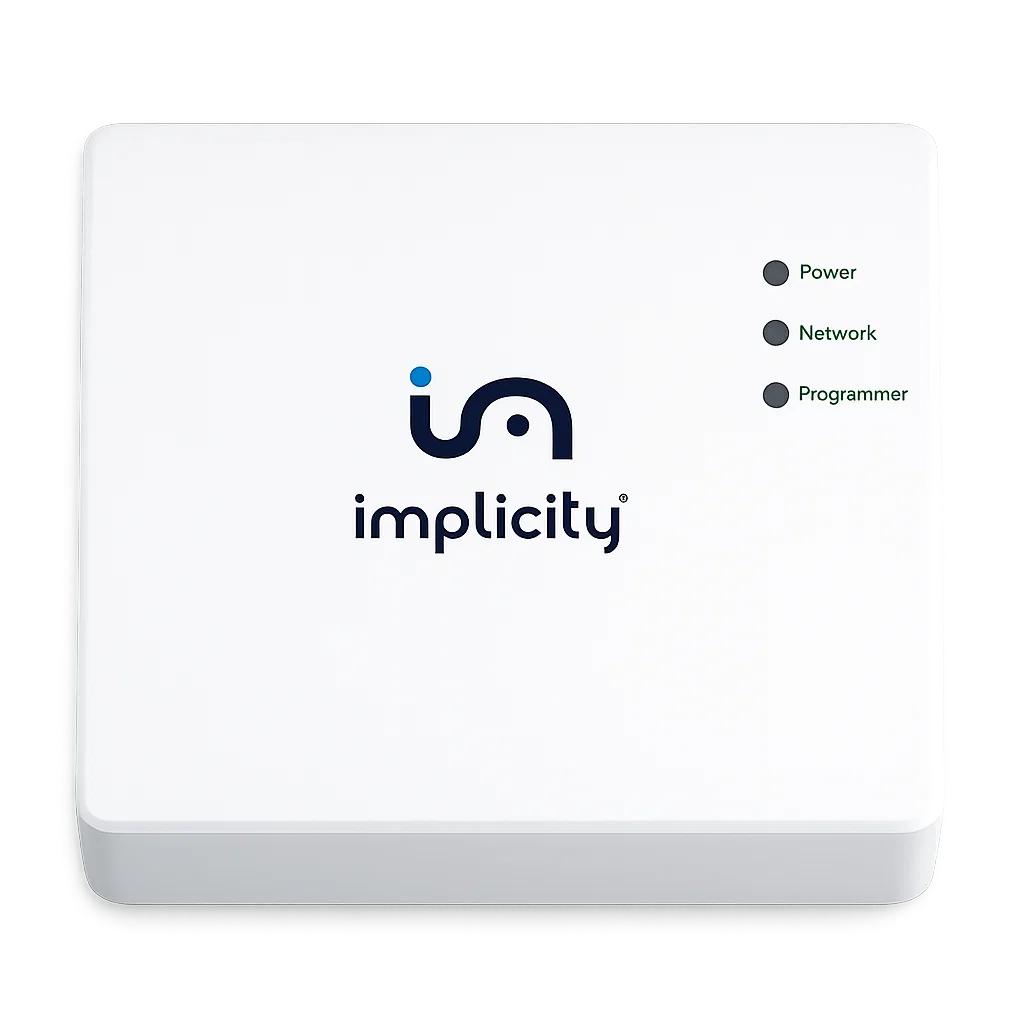
Plug and play
A small hub between the programmer and the platform.
Collects in-clinic data from all manufacturers, with some limitations depending on device models.1
Next in the workflowFaster in-clinic reports keep billing moving. See the Dynamic Billing Engine.→FAQ
Questions clinics ask us most.
What is InLink?
InLink is a small hub that connects your clinic’s device programmer to the Implicity remote monitoring platform. It sends the data from in-clinic device checks to Implicity, so your team doesn’t need USB drives or manual input.
Does it change how we interrogate devices?
No. Your team interrogates the patient’s device as usual, then exports the data from the programmer. InLink sends it to the Implicity platform automatically.
What data does InLink send?
The manufacturer PDF reports and the raw data from each in-clinic check, in one transmission.
How does the data reach the right patient?
Implicity processes the data and assigns it to the right patient. The patient page is updated with the new in-clinic data, the raw data populates the in-clinic report, and the manufacturer PDF is available at the end of the report.
Which programmers and devices does it work with?
InLink collects in-clinic data from all manufacturers, with some limitations depending on device models.1 Request a demo and we’ll confirm the fit for your device mix.
What does setup involve?
Plug the InLink hub into power and into the programmer. Request a demo and we’ll walk you through setup for your clinic, including any network requirements for your IT team.
How do we get started?
Request a demo and we’ll walk you through the setup and timing for your program.
- 1InLink collects in-clinic data (PDF files and raw data) from all manufacturers, with some limitations depending on device models. Request a demo to confirm compatibility with your programmers and device mix.
The Implicity platform is a clinical decision support device and is in no way intended to replace the responsibility or clinical judgment of the practitioner. It is designed to optimize data workflows and support medical expertise in patient management. InLink transfers in-clinic device data to the Implicity platform; it does not replace clinician review of that data.